Search
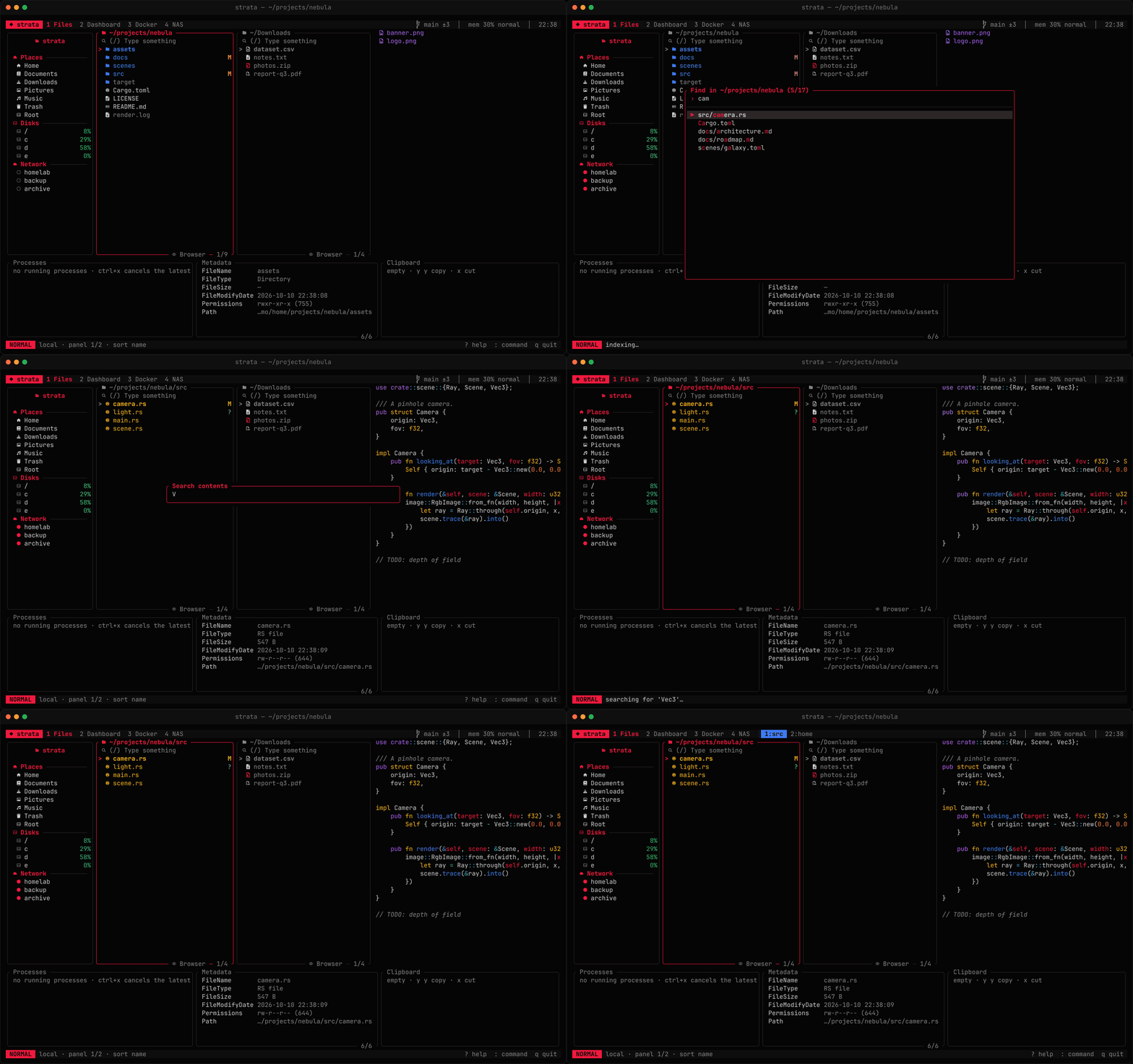
Filter the current directory
/ filters the focused panel as you type, with fuzzy matching — rdm finds README.md. Matched letters are highlighted. enter keeps the filter, esc clears it.
Globs and regular expressions work too, and list matches in their usual order:
| Filter | Shows |
|---|---|
rdm | Fuzzy matches, best first |
*.{jpg,png}, IMG_????.*, [a-c]* | Names matching the glob (case is ignored). A query is a glob when it has *, ?, a closed [..] or a {a,b} group |
g:notes.txt | A glob even without wildcards — the whole name must match |
src/**/*.rs | With a /, the glob matches the path relative to the folder (in the tree view and flat listings); * stops at /, ** does not |
re:^v\d+ | A regular expression anywhere in the name (the relative path in the tree view and flat listings); case is ignored unless it has a capital letter |
While a regex or glob is half-typed and invalid, the search line says why in red and the list keeps the last valid matches. :select takes the same globs and re: patterns to mark items: :select *.{jpg,png}, :select re:^IMG_\d+.
Jump to frequent folders
strata remembers every local folder you open and ranks them like zoxide: each visit counts, and recent visits count more (four times within the hour, twice within the day, half after a week, a quarter after that). Old habits fade as the list grows, and folders that no longer exist are dropped.
g j (alt+g in the classic preset) opens a picker over them, best first; type to narrow it down. :z <words> goes straight to the best folder whose path holds the words in order, the last one in the folder's own name — :z str for ~/projects/strata, :z old str for ~/old/strata. Capitals make the match case-sensitive. A path to an existing folder is entered as is, and :z alone opens the picker.
The list lives in jumps.json in strata's data directory (~/.local/share/strata on Linux) and is written when you quit; strata instances running side by side add to it without overwriting each other. The zoxide plugin still works alongside it if you use zoxide in your shell too.
Fuzzy-find files
f (ctrl+f in the classic preset) indexes every file below the current directory and opens a picker. Type to narrow it down, then enter jumps to the file — or into the directory. Hidden files are included when they are shown in the panel; .git, node_modules and target are always skipped.
Find by size, age, type or tag
g s (alt+f in the classic preset) or :find lists everything below the current folder that matches, right in the panel, with each item's path relative to the folder. Every key works on the results: mark them, copy, move, trash, tag or rename them. esc or h goes back to the folder.
:find *.log --size +100M          # big logs
:find --mtime -1d --type f        # files changed today
:find --older 1y --ext mp4,mkv    # videos untouched for a year
:find --tag todo                  # tagged items below here
:find report --depth 2 --empty # empty files or folders named *report*| Option | Matches |
|---|---|
*.log, report | Names matching a glob, or containing the word (any one of them) |
--size +100M / -1K | At least / less than a size (K, M, G, T) |
--mtime -7d / +1y | Changed within / longer ago than (s, m, h, d, w, mo, y); also --newer 7d, --older 1y |
--type f|d|l | Files, directories or symbolic links |
--ext jpg,png | These extensions |
--tag red | Items with this tag |
--depth 2 | At most this many levels down |
--empty | Empty files and folders |
--all | Also look inside .git, node_modules, target and similar |
Hidden items are included when they are shown in the panel. A search stops at 50,000 matches.
Flatten a folder
g a (alt+a) or :flatten lists every file below the current folder in one list, so you can gather files from nested folders with a few keys: sort them, mark them, then copy or move them all. Press it again, esc or h to go back.
Search file contents
ctrl+g asks for a pattern and searches every file below the current directory with ripgrep — falling back to grep when ripgrep is not installed. You can also run :grep <pattern>.
Results open in a picker showing path:line and the matching text. Pick one to reveal the file in the panel and open your editor at that line. strata knows the line syntax of vim, neovim, nano, emacs, Helix, Zed, Sublime Text and VS Code.
Ripgrep uses smart case (lowercase patterns ignore case) and respects your .gitignore. Results stop at 2,000 matches.