Quick start
Start strata in the current directory, or give it one directory per panel:
strata
strata ~/projects ~/Downloads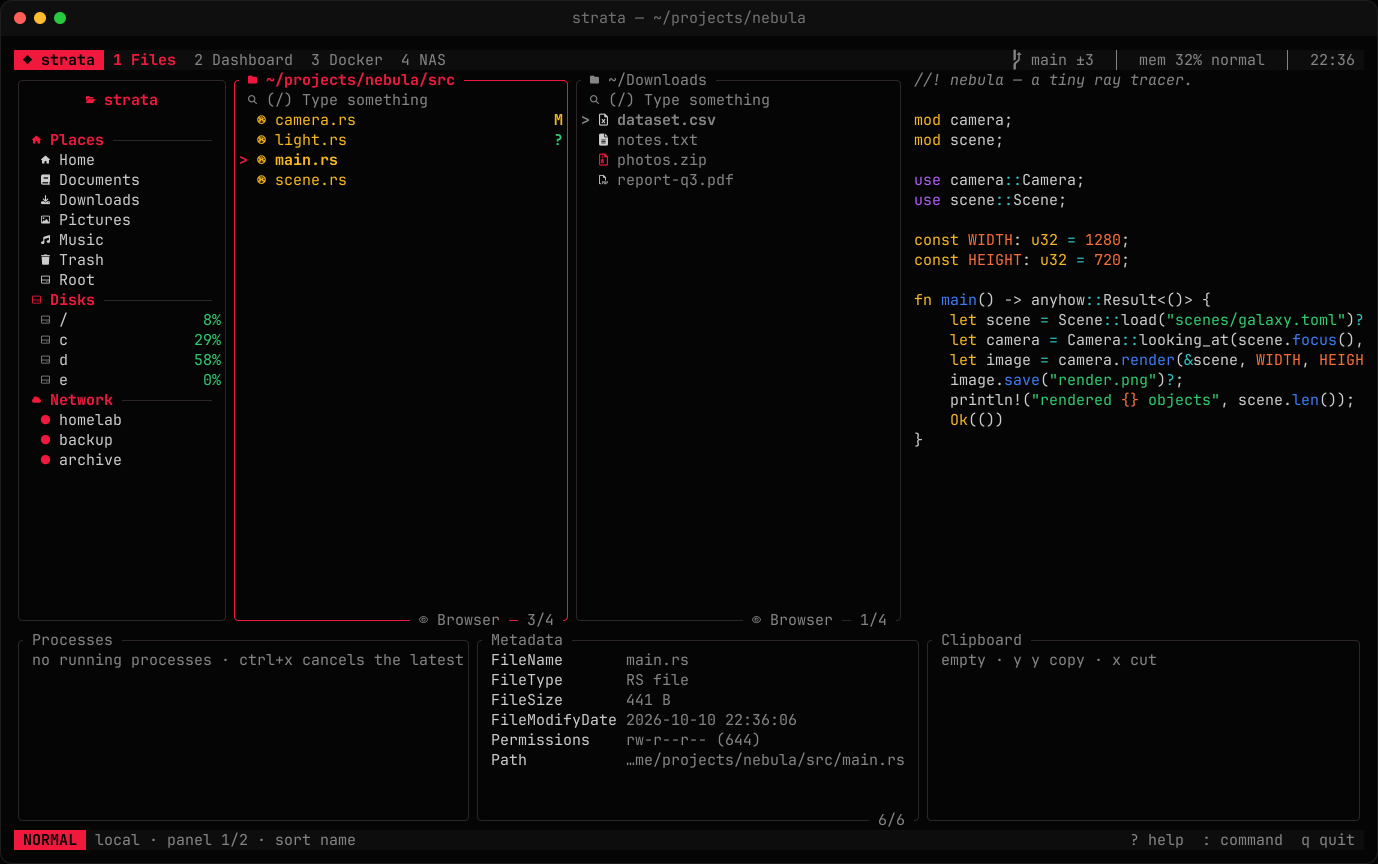
The first keys to learn
The default preset is vim-style. Prefer ctrl+c / ctrl+v? See key bindings.
| Keys | Action |
|---|---|
| h j k l | Parent, down, up, open |
| g g / G | First / last item |
| space / v | Mark an item / select a range |
| y y x p | Copy, cut, paste |
| c / m | Copy / move to the next panel |
| d d / D | Move to trash / delete permanently |
| u / ctrl+r | Undo / redo |
| / / f / ctrl+g | Filter / fuzzy find / search contents |
| tab / n / t | Next panel / new panel / new tab |
| H / L / g o | Back / forward / pick from the history |
| 1 – 5 | Files, dashboard, Docker, NAS, disk usage |
| T / : / ? | Themes / command palette / every key |
| q / Q | Quit / quit and cd your shell there |
When you press the first key of a sequence such as g, a small popup shows what can follow.
The command palette
: opens a prompt with tab completion. A few useful commands:
:cd ~/projects          :theme nord             :grep TODO
:mkdir assets           :sort size rev          :select *.log
:connect homelab        :sh cargo build         :undo
Run :help or press ? for the full list.