Server sections
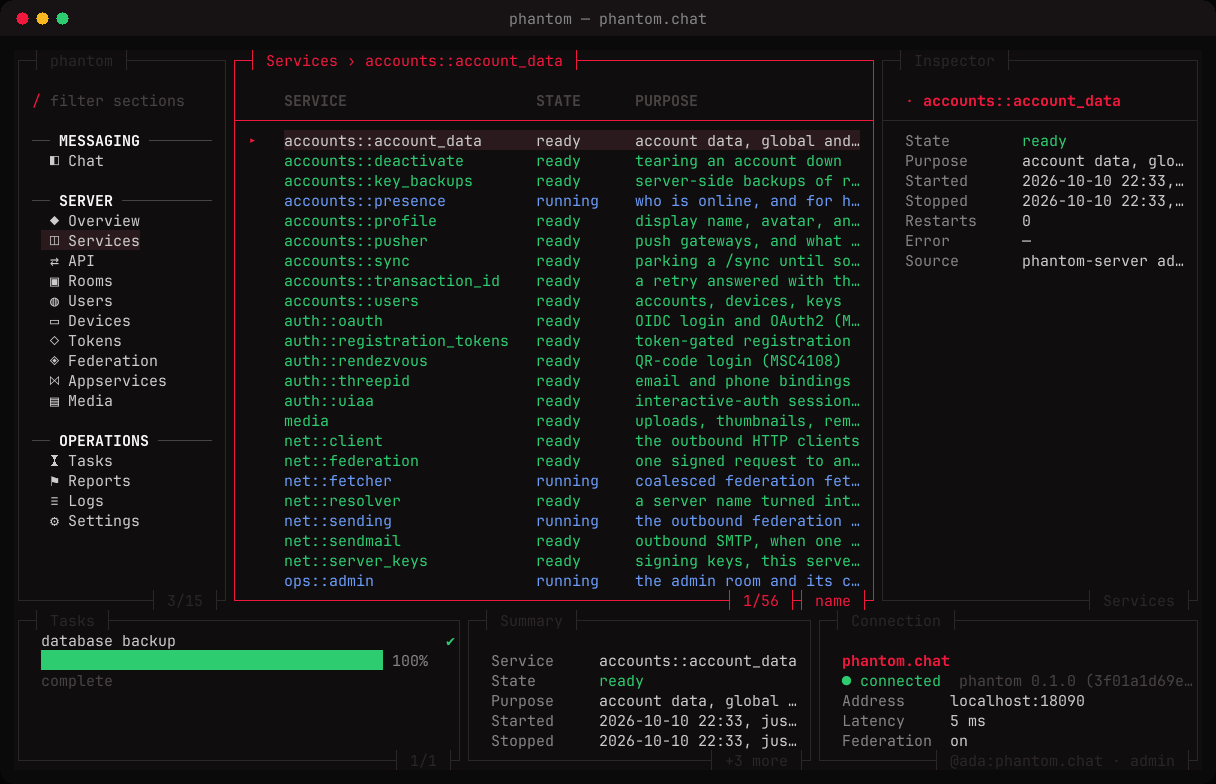
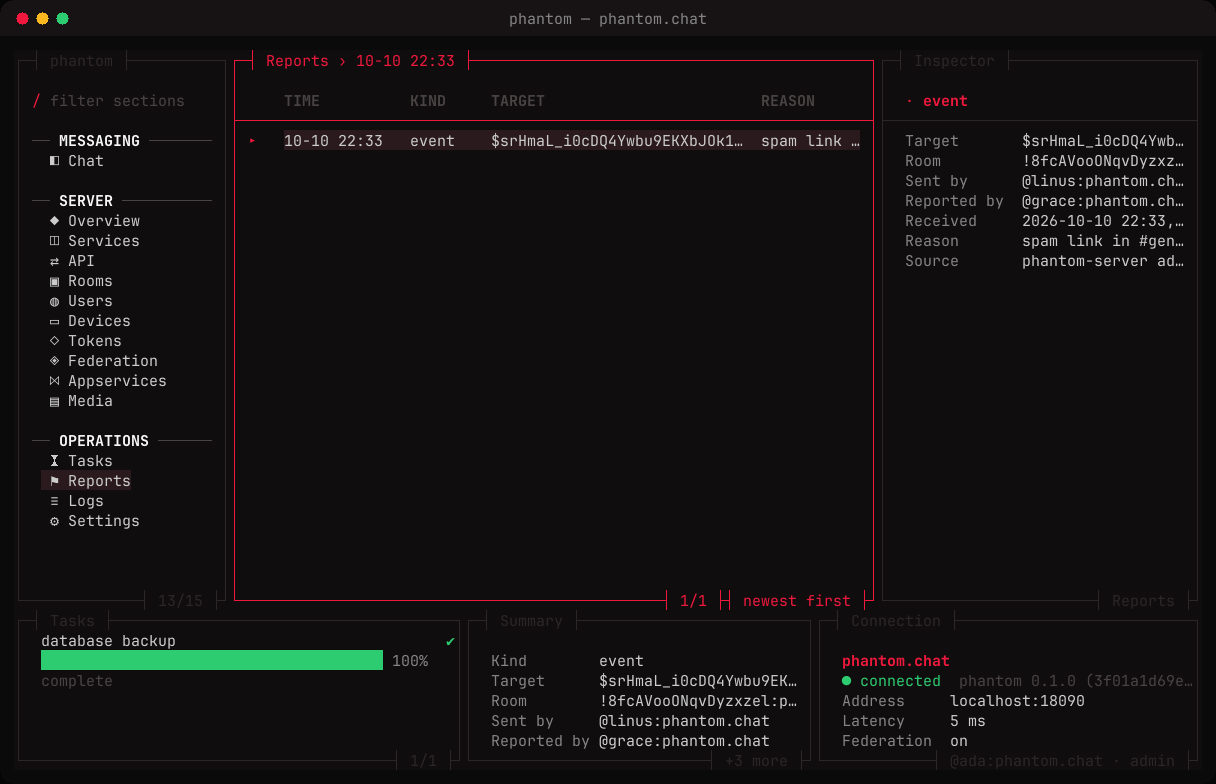
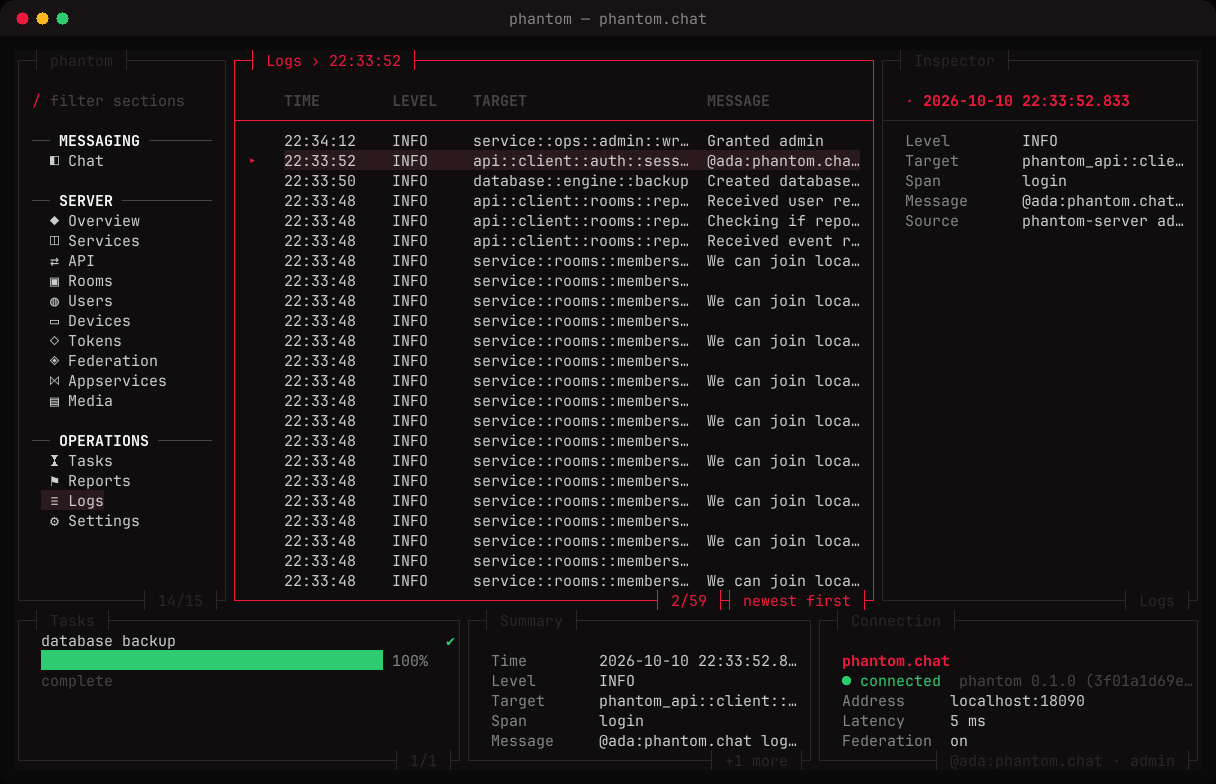
Signed in as an admin, every section fills from the admin API. Each row's inspector names where its data came from.
| Section | Shows |
|---|---|
| Overview | name, version, uptime, users, devices, rooms, database and media sizes, federation, registration, login methods, open reports, the last backup |
| Services | every service, whether its worker runs, its restarts and last error |
| API | the API modules and whether the server answers them |
| Rooms | every room: members, version, join rule, directory, encryption, banned |
| Users | local accounts: admin, deactivated, devices, rooms, last seen |
| Devices | every device of every local account, with its last IP |
| Tokens | registration tokens, their uses and expiry |
| Federation | the servers sharing a room, their backoff and last contact |
| Appservices | registered bridges and bots, never their tokens |
| Media | the media store: size, type, uploader, origin |
| Tasks | long jobs — room shutdowns, purges, backups — as they run |
| Reports | abuse reports users filed about events, rooms and users |
| Logs | the server's last thousand lines at info and above |
| Settings | the running config, secrets masked |
Not an admin?
The server sections then show sample data, and their footer says sample · sign in as an admin. A table whose last refresh failed says that instead.