Quick start
From a build to an admin signed in to the console in four steps.
1. Write a config
# phantom.toml
[global]
server_name = "phantom.test"
database_path = "/var/lib/phantom"
allow_registration = true
registration_token = "change-me"
server_name is the suffix on every user and room ID, and can't change once the database exists. The registration token keeps strangers from signing up. Every other option is documented in phantom-example.toml.
2. Start the server
./target/release/phantom-server -c phantom.tomlIt listens on localhost:8008 over plain HTTP. A fresh database creates the server user and the #admins room.
3. Register the first account
Register with any Matrix client (Element, nheko, Fractal…), pointing it at http://localhost:8008 and giving it the registration token. The first account to register becomes the server's admin: it is joined to #admins.
4. Open the console
./target/phantom                         # localhost:8008
./target/phantom --server https://phantom.example.org
It finds the server, asks you to sign in, and fills every section.
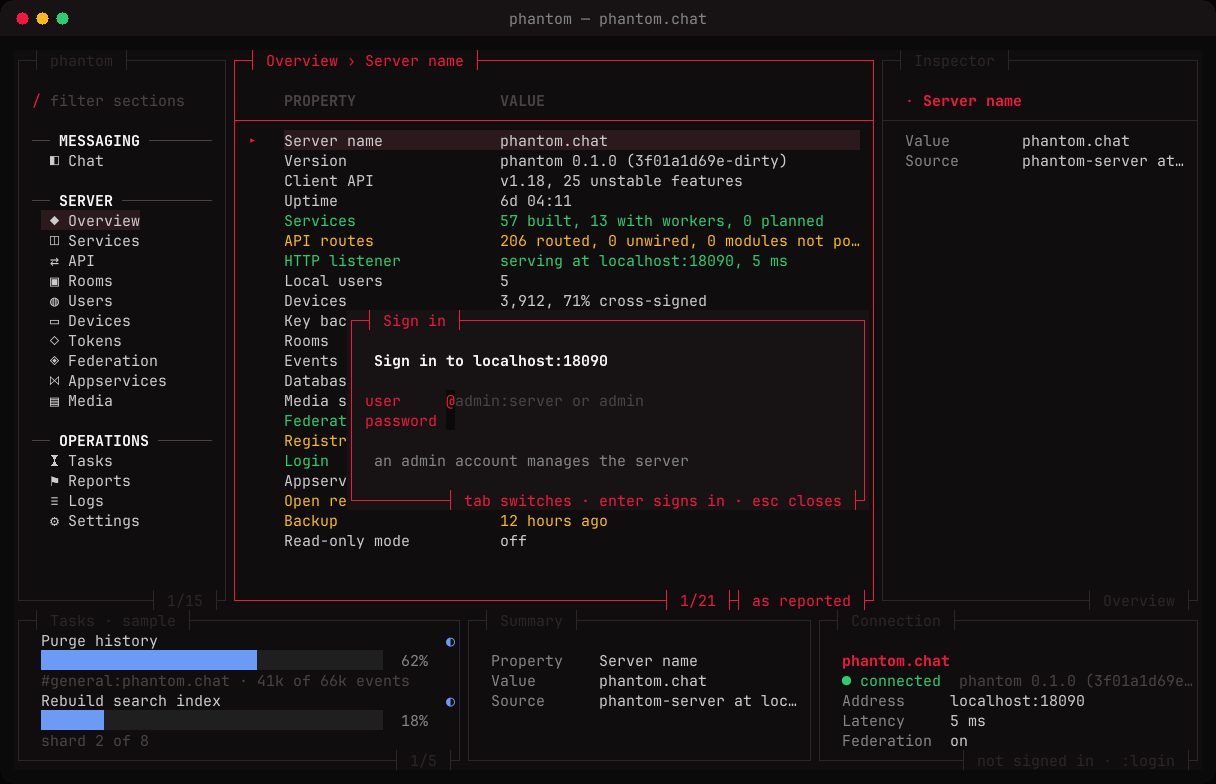
From here, finding your way covers the layout.