Your NAS drives, connected and kept that way.
Helix maps network shares to drive letters, watches them, and brings them back when they drop: after sleep, on a new network, or when the NAS wakes up. When one will not connect, it tells you why.
Features
Built for the drives you actually have.
Thirteen shares on one NAS, a laptop that leaves the house, a server that sleeps at night. Helix is written around that, on the Win32 WNet API on Windows and NetFS on macOS.
Add a drive in seconds
Pick a free letter, type the server and the share, test it without mounting anything, save.
Read more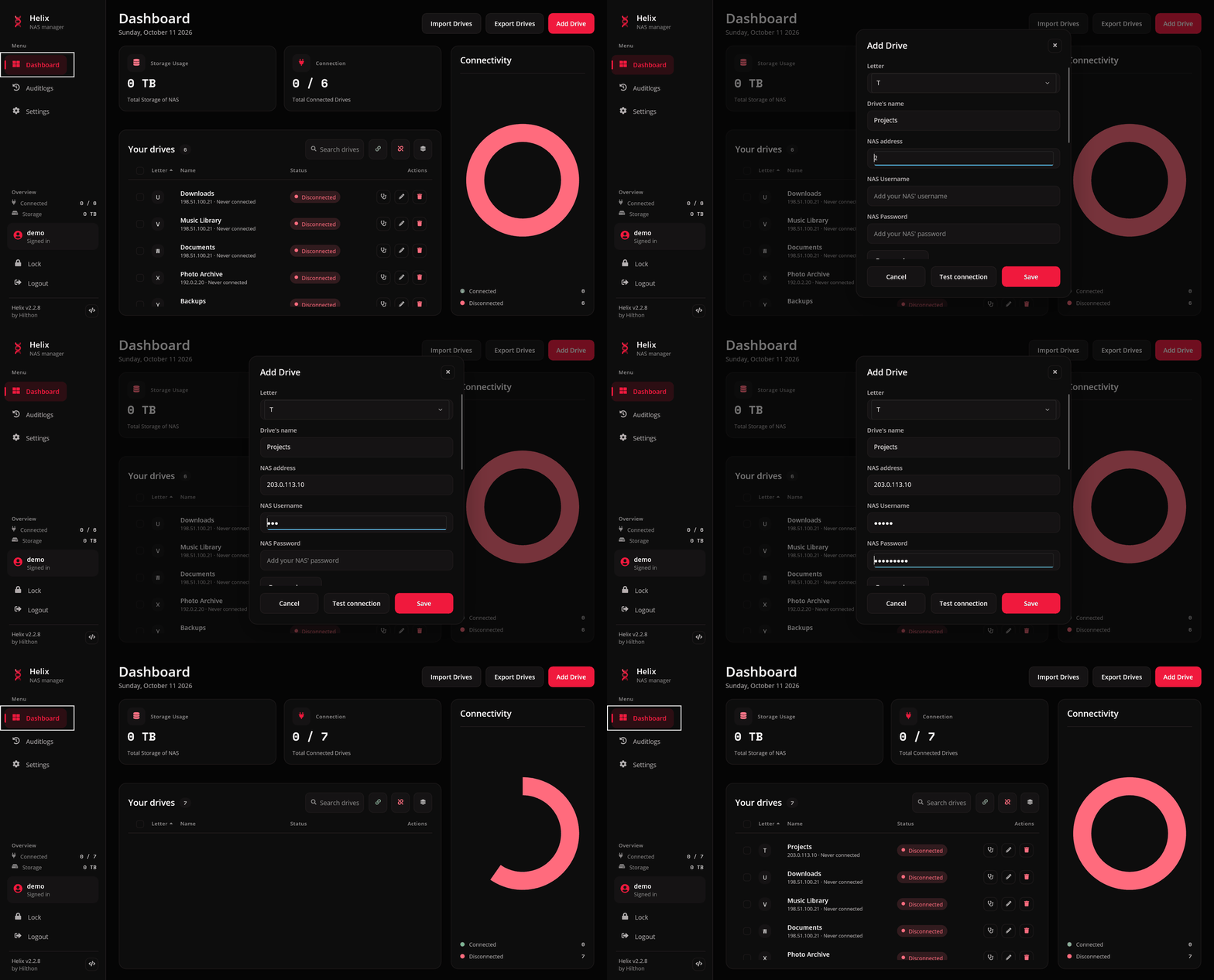
Know why it will not connect
The connection check walks the name, the server, the share and the letter, and says which step failed.
Read more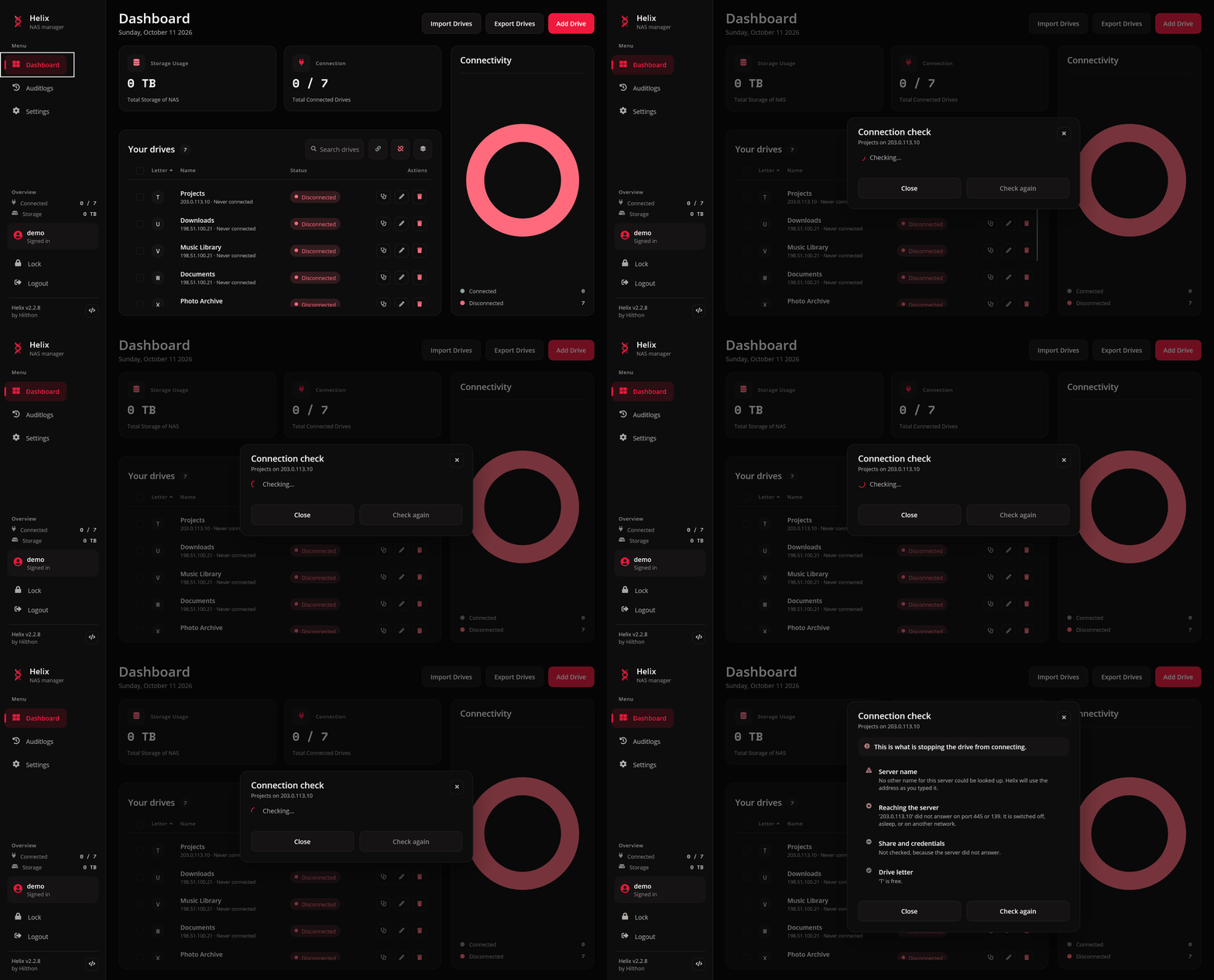
Act on several at once
Tick rows for a one-off selection, or save groups like Home and Office for the sets you use daily.
Read more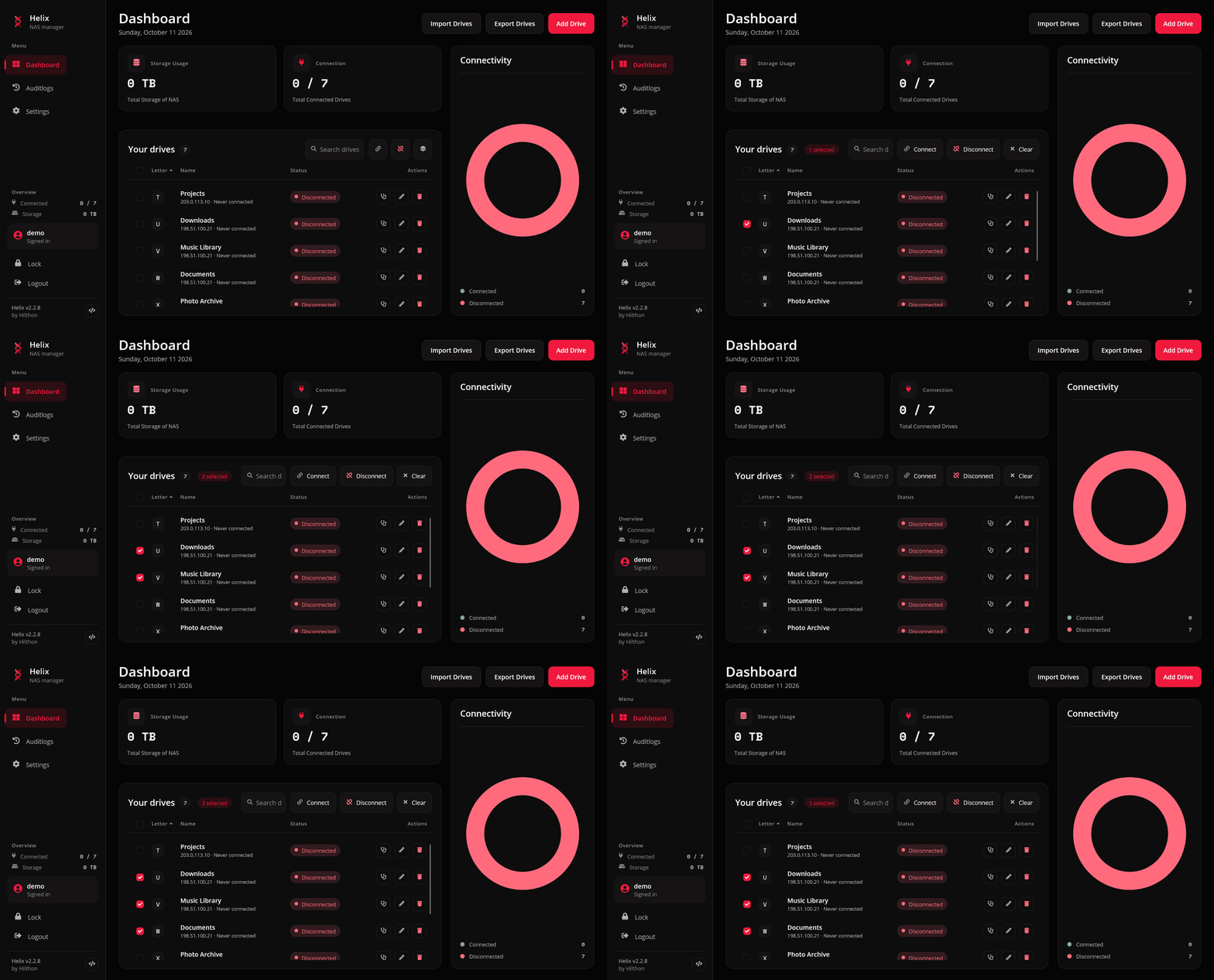
Make it yours
Crimson by default, plus System, Light, Dark, Midnight, Amethyst, Sand and Glacier.
Read more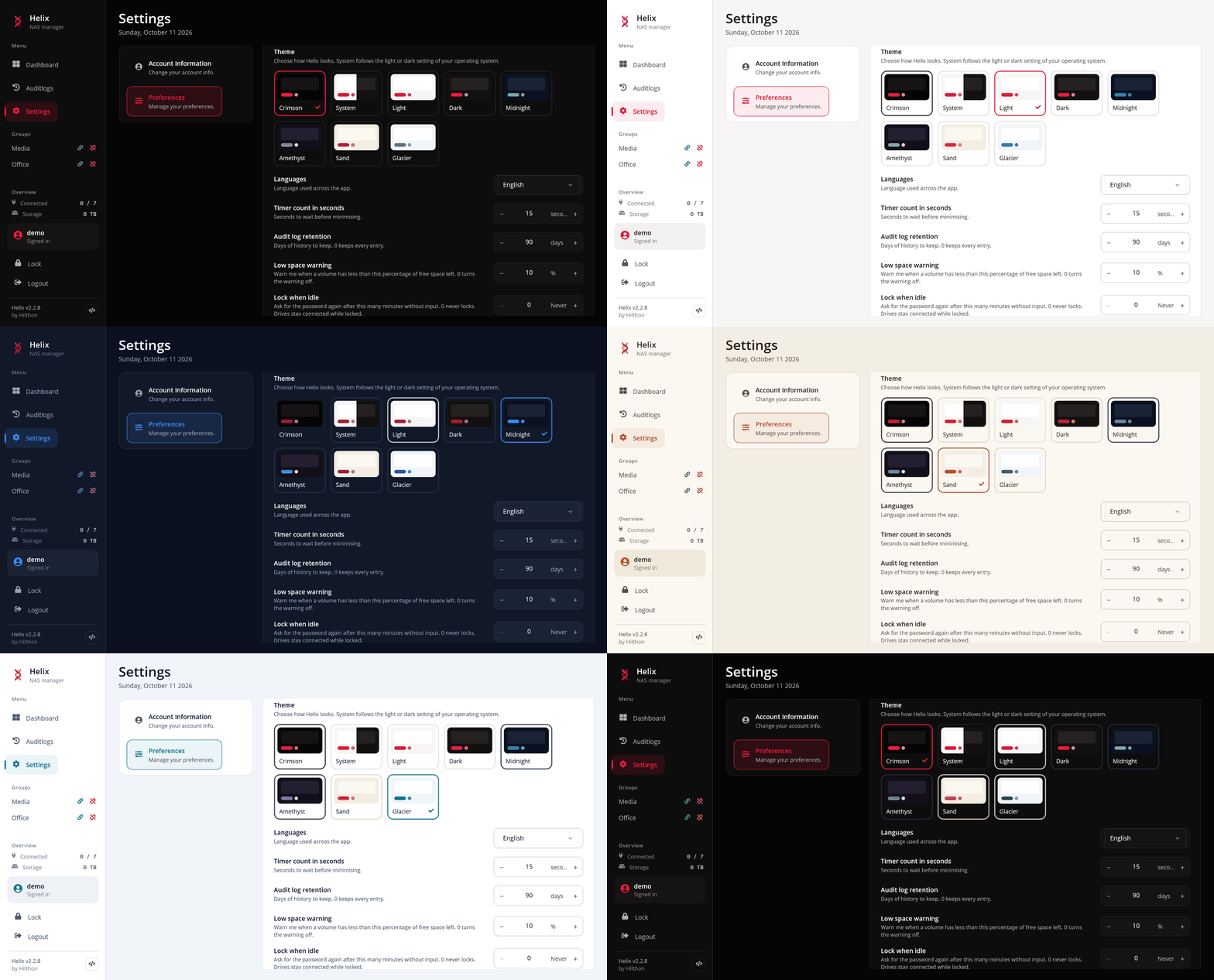
Reconnects on its own
A watchdog brings dropped shares back, and catches up the moment the laptop wakes.
Wakes a sleeping NAS
Store its hardware address and Helix sends a Wake-on-LAN packet before giving up.
Away from home
Pin a drive to its network, or give it a VPN address to use everywhere else.
Schedules
Connect Office at 07:00 on weekdays, take everything down at 23:00.
Lives in the tray
Connect, disconnect and open drives from the tray, with a toast when one drops.
Scriptable
--connect-all, --wake Z, --status: drive the running app from Task Scheduler.
Encrypted at rest
SQLCipher database, PBKDF2 passwords, a recovery key, AES-256-GCM vault exports.
Six languages
English, French, German, Dutch, Indonesian and Japanese, switched live.
Screens
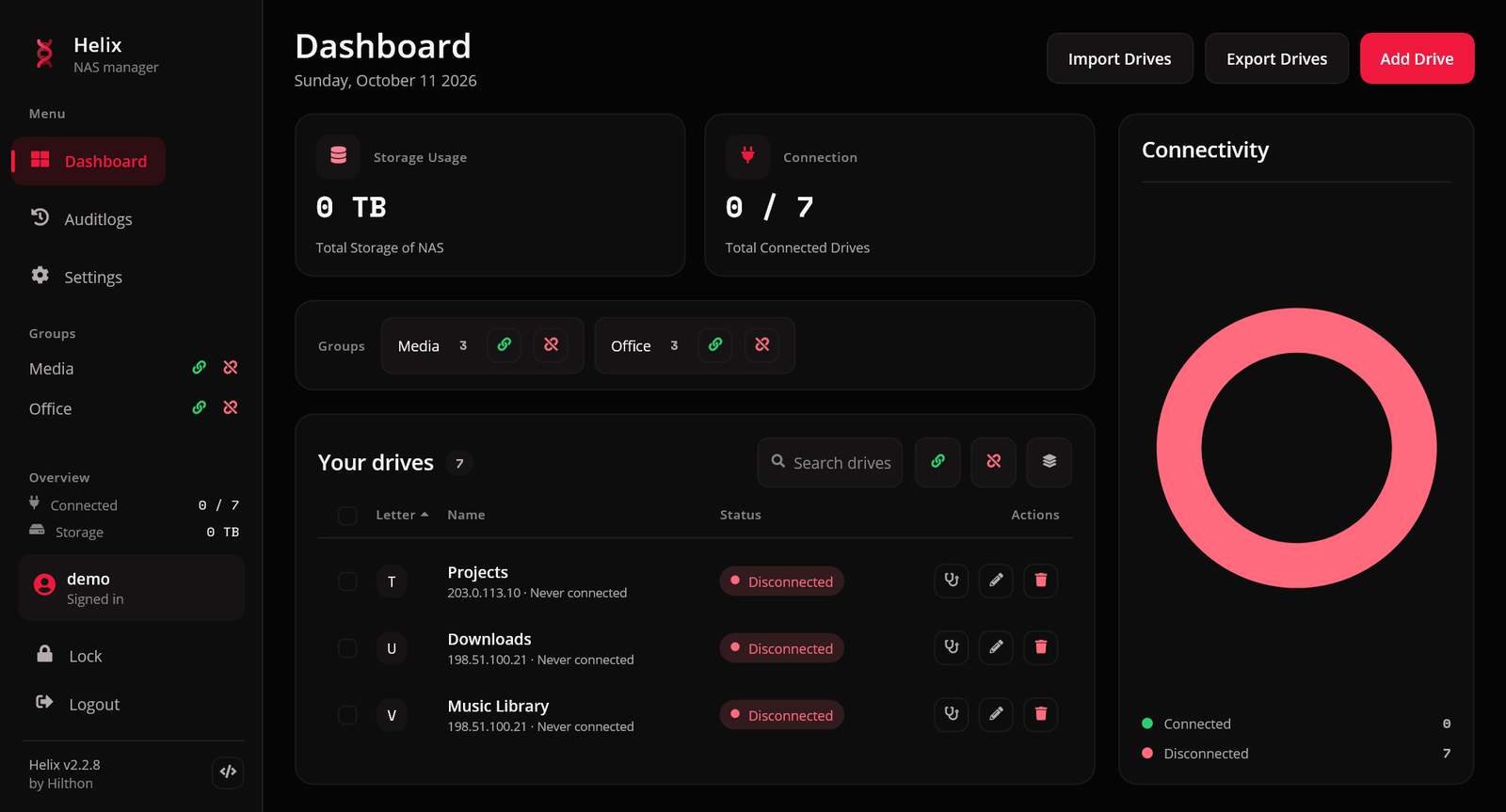
One window, the whole estate.
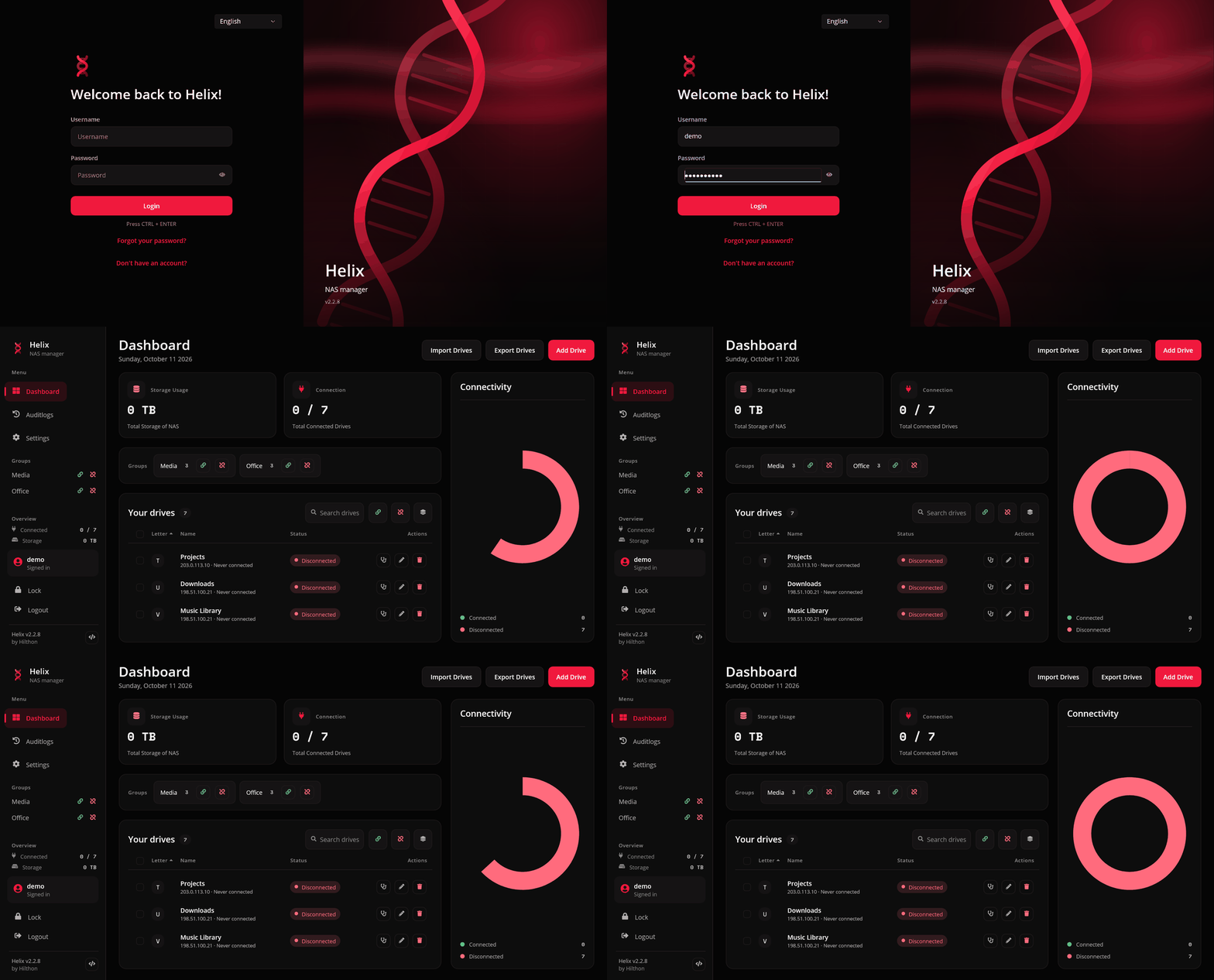
Every screenshot is recorded from the real app against a demo account whose drives point at documentation addresses.
Security
Credentials that stay where they belong.
Helix holds the passwords to your NAS, so it treats them that way.
# drive the running app from a script
Helix.App.exe --connect-group "Office"
Helix.App.exe --wake Z
Helix.App.exe --status

# PowerShell waits only when asked
Start-Process Helix.App.exe -ArgumentList '--disconnect-all' -Wait- Encrypted database. SQLite under SQLCipher, keyed from the platform's secure store.
- Never on a command line. Share passwords go to the OS mount API, where no other process can read them.
- A way back in. A one-time recovery key resets a forgotten account password.
- Verified updates. A downloaded release is checked against the digest GitHub publishes before anything is replaced.
- Read the security notes
Unzip it, register, add a drive.
Releases are self-contained: nothing to install beside them. Or build it yourself with the .NET 10 SDK and the MAUI workload.
git clone https://github.com/HilthonTT/Helix && cd Helix && dotnet build Helix.slnx