Your Matrix server, from the terminal.
phantom is a Matrix homeserver written in Rust, with an admin console written in Go. Chat, manage accounts and rooms, read the logs and handle abuse reports, without leaving the keyboard.
git clone https://github.com/HilthonTT/phantom && cd phantom && make build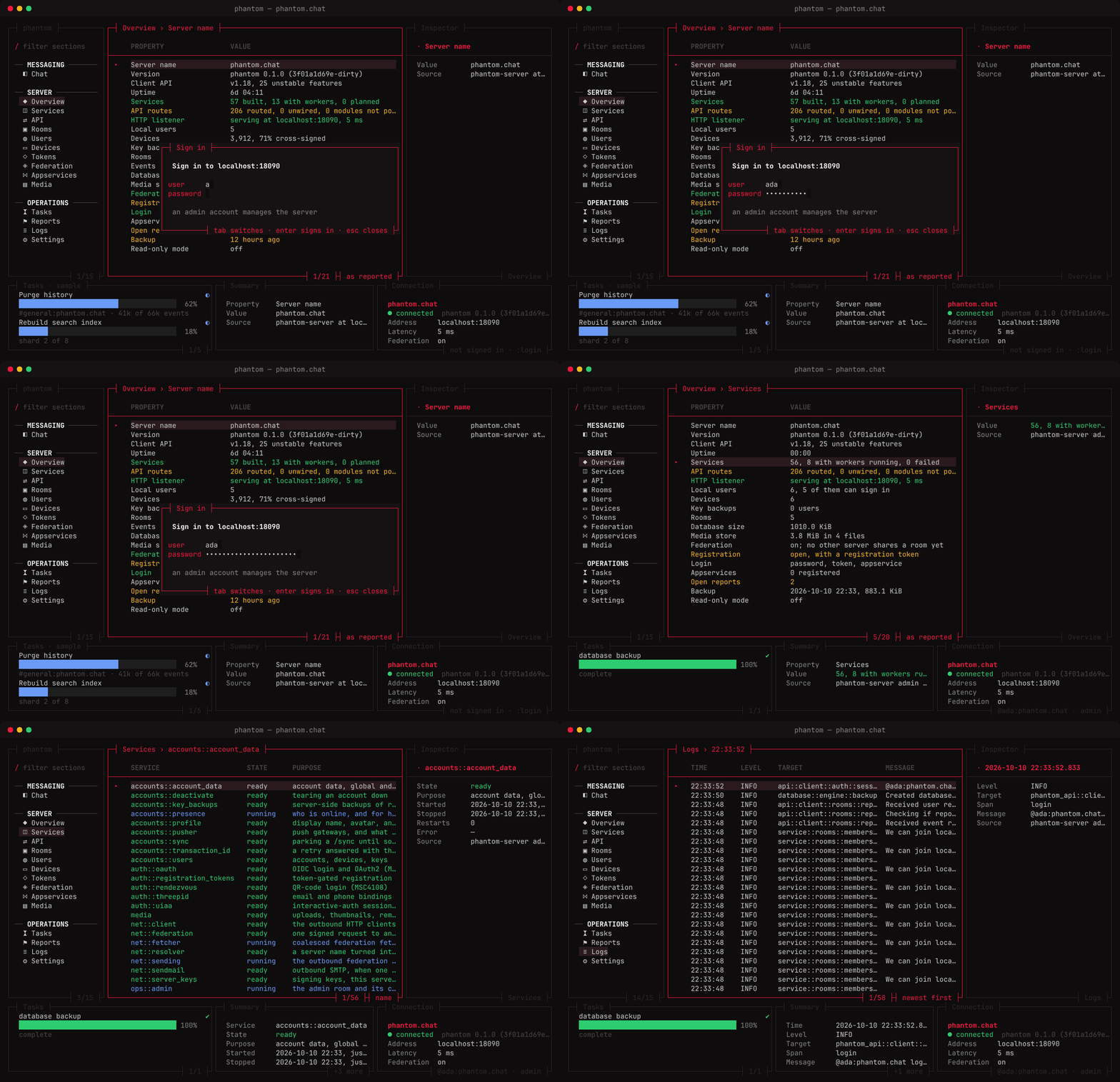
Features
A homeserver and its console, built together.
The server speaks the Matrix client-server API and an admin API of its own. The console uses both: any account can chat, and an admin sees and runs the whole server.
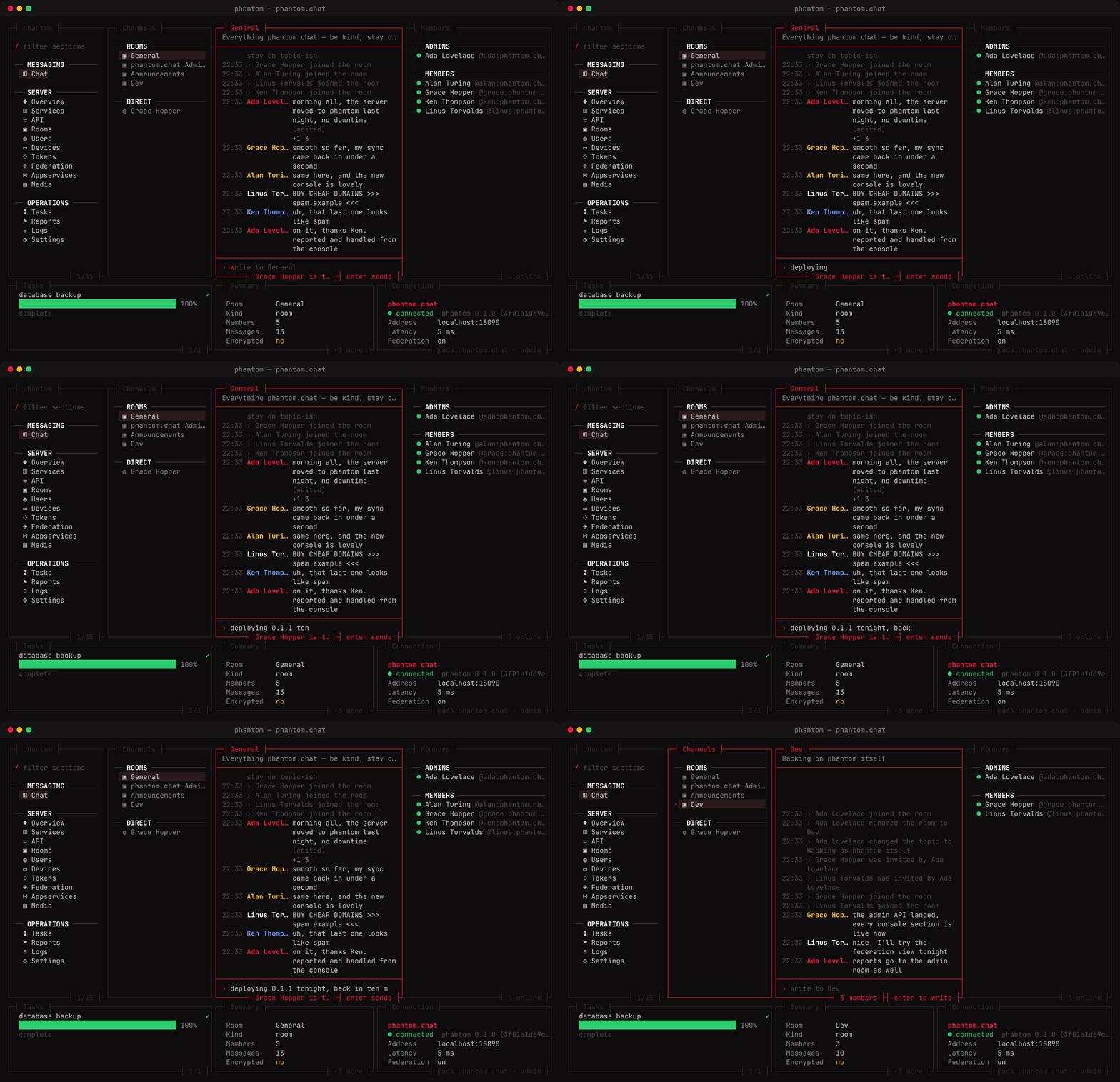
Chat in the terminal
Your rooms over /sync: messages, edits, reactions, typing and read receipts. Join and leave with a command.
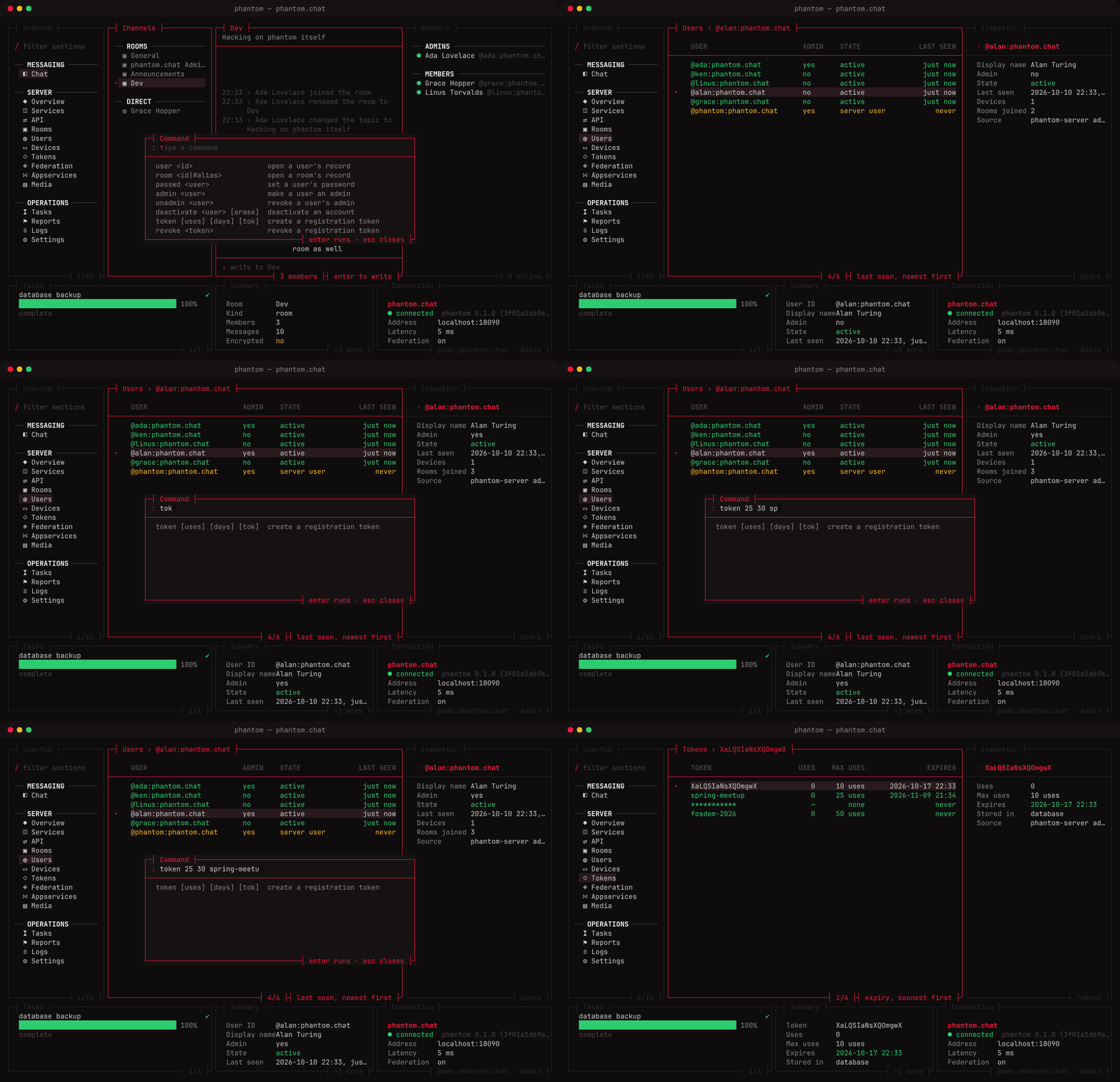
Act on what you see
Enter on a row offers what can be done to it. Destructive actions ask first; every outcome is reported.
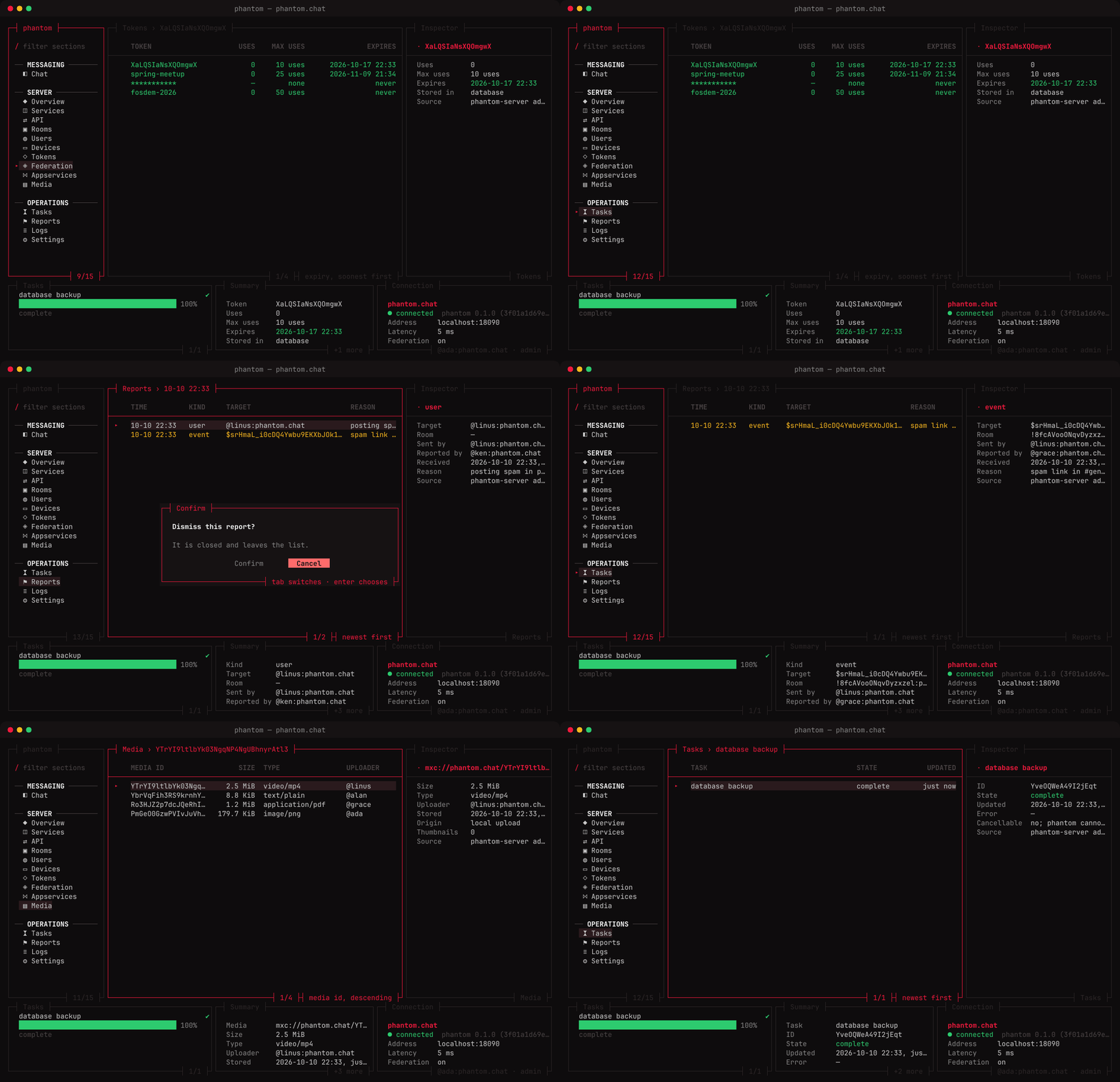
Run the server
Dismiss abuse reports, sort the media store, follow purges and backups as tasks.
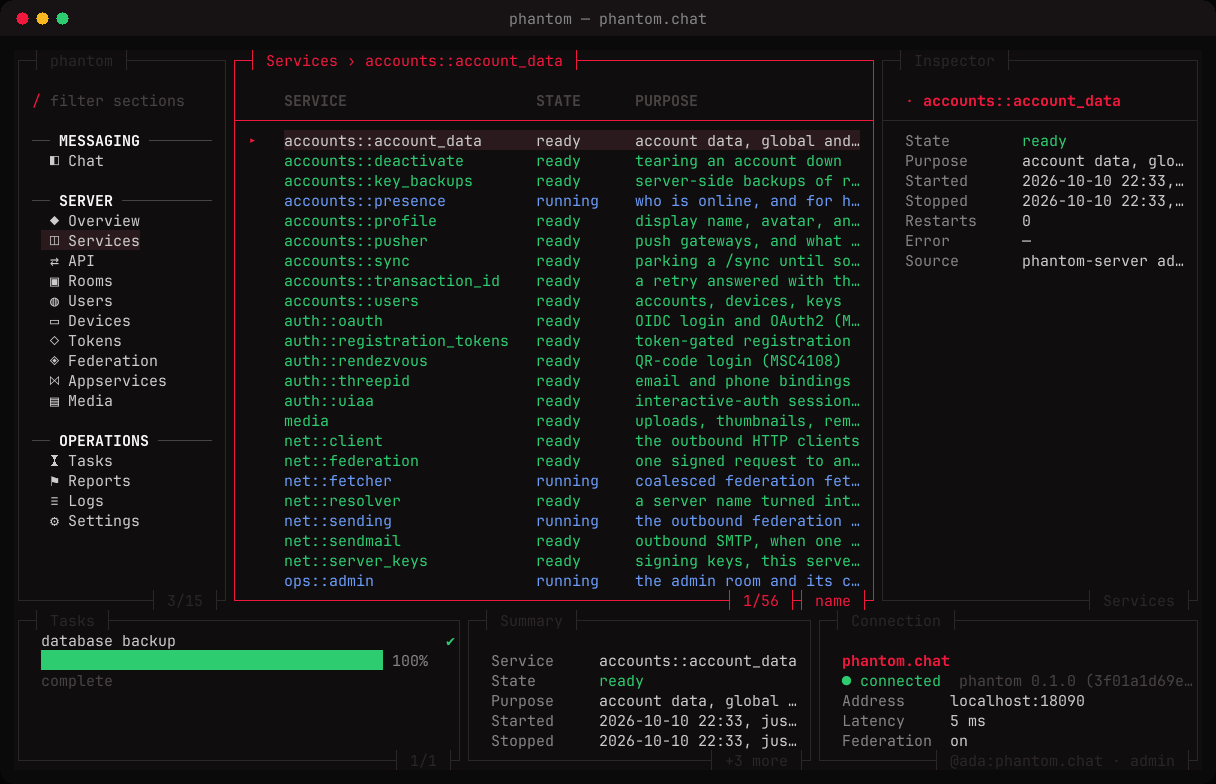
See inside it
Every service the server runs, whether its worker is up, and what it last failed with.
Live, not sampled
Every section reads the running server. What isn't live yet says so in its footer.
Accounts
Reset passwords, grant or revoke admin, deactivate, sign devices out.
Registration tokens
Create them with use limits and expiry, from a menu or one command.
Hard to lock yourself out
No demoting yourself, no touching the server user, no deleting the admin room.
Abuse reports
Reports users file are stored, posted to the admin room, and dismissed here.
Logs and tasks
The server's recent log, and long jobs like purges and backups as they run.
Services
Every service the server runs, with its worker's state and last error.
Sort and filter
Sort any table by any column, filter rows as you type, open tabs side by side.
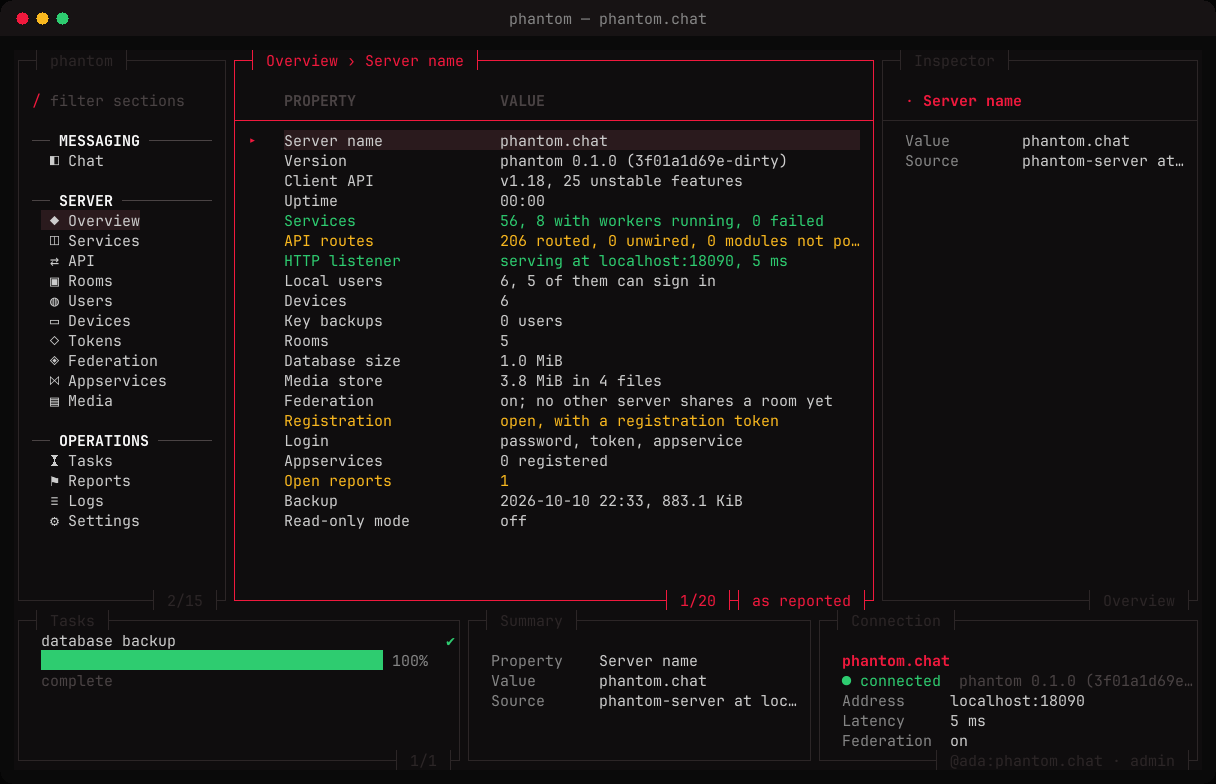
Sections
Fifteen sections, one console.
Sign in as an admin and every section fills from the server. The first account registered on a fresh server is its admin.
Under the hood
An admin API you can script too.
The console is a client of /_phantom/admin/v1, a JSON API behind an admin's access token. Anything it shows or does, curl can.
# what the overview shows
curl -H "Authorization: Bearer $TOKEN" \
  localhost:8008/_phantom/admin/v1/stats

# create a registration token
curl -X POST -H "Authorization: Bearer $TOKEN" \
  -d '{"uses_allowed": 10}' \
localhost:8008/_phantom/admin/v1/registration_tokens- Read everything. Users, devices, rooms, tokens, services, federation, media, logs, reports, settings and tasks.
- Change what matters. Accounts, admin rights, devices, tokens, rooms, media, reports, the config and backups.
- Secrets stay secret. Settings are masked, and appservice and config-file tokens are never returned.
- Read the admin API
Build it, start it, sign in.
One build gives you the server and the console. Point the console at the server, register the first account, and you are its admin.
git clone https://github.com/HilthonTT/phantom && cd phantom && make build